Mobile Proxies for GoLogin: Setup and Testing Guide
Mobile proxies for GoLogin are useful when a browser profile needs a stable mobile-carrier network identity instead of a datacenter IP or a constantly changing shared connection. GoLogin separates browser fingerprints by profile, but the network layer still matters: IP, country, protocol, DNS behavior, rotation timing and session stability all influence how cleanly a profile starts.
This guide explains when a mobile proxy makes sense in GoLogin, how to add HTTP or SOCKS5 credentials, what to check before launching a profile, and how to troubleshoot common issues. It is written for legitimate workflows such as QA, geo testing, SMM operations, browser environment testing and account access consistency. A proxy does not replace platform rules, identity checks or normal account hygiene.
When GoLogin Needs a Mobile Proxy
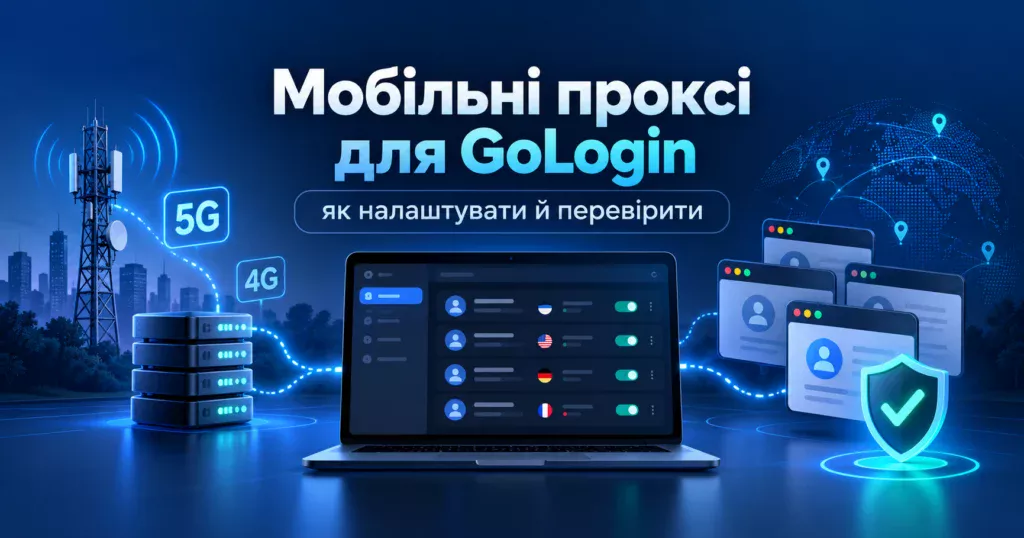
GoLogin can run profiles with built-in or third-party proxies. According to GoLogin documentation, external providers can be added manually, imported in bulk or assigned in profile settings. A mobile proxy is most relevant when the target workflow benefits from a mobile carrier IP and a predictable geographic context.
| Scenario | Recommended proxy behavior | Why it matters |
|---|---|---|
| Long-lived profile | Sticky session | Keeps the same network context during login and routine work. |
| Geo testing | Country and carrier selected before launch | Helps align IP location, language, timezone and test environment. |
| QA or browser checks | Stable HTTP/SOCKS5 endpoint | Reduces false negatives caused by proxy resets. |
| Automation | Controlled rotation schedule | Avoids changing IP in the middle of a task. |
If you are still choosing the broader tool stack, compare this guide with the MSOCKS setup pages for AdsPower mobile proxies and Dolphin Anty mobile proxies. The logic is similar, but every browser has its own proxy UI and checker behavior.
What to Prepare Before Setup
Proxy Credentials
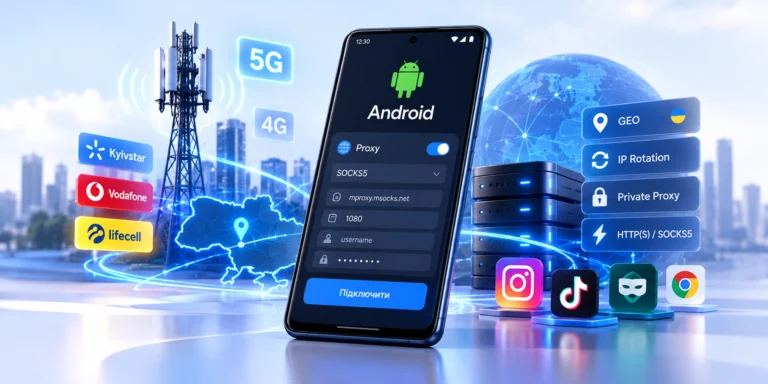
Prepare host, port, username, password and protocol. GoLogin supports common proxy formats, including IP:port:login:password and protocol-based formats such as socks5://login:password@host:port. If your provider gives a rotation link, keep it separate from the main credential string unless the tool explicitly supports adding it.
Country, Timezone and Profile Logic
The proxy country should match the profile purpose. For a Ukrainian test environment, use a Ukrainian mobile IP, Ukrainian language settings where relevant, and a timezone that does not contradict the network location. GoLogin documentation also recommends keeping profile settings consistent with proxy geography.
Rotation Mode
Do not rotate just because rotation exists. For profile work, a sticky session is often safer than frequent IP changes. Use rotation between tasks, after a session ends, or when you intentionally need a fresh mobile IP for testing. Avoid changing IP during login, checkout, form submission or a long authenticated session.
How to Add a Mobile Proxy in GoLogin
- Open GoLogin and choose the profile you want to configure.
- Open the proxy or location settings for that profile.
- Select a custom proxy if you are using an external provider.
- Enter protocol, host, port, username and password.
- Run the GoLogin proxy checker.
- Confirm that the detected IP, country and protocol match the proxy you expected.
- Save the profile and launch it only after the checker returns a clean result.
For exact UI labels, use the official GoLogin guides: Adding and managing proxies and FAQ: Proxies.
HTTP or SOCKS5 for GoLogin?
Both can work if the provider supports them properly. HTTP(S) is often easier for browser traffic. SOCKS5 is useful when the workflow or toolchain expects SOCKS credentials, but DNS handling must be checked carefully, especially in SDK or automation workflows. If a proxy works in the checker but not in an automated launch, compare manual profile launch, SDK launch parameters, DNS behavior and protocol selection.
Testing Checklist Before Launch
- Proxy checker returns a working result.
- Detected country matches the intended profile geography.
- Protocol is the one you selected: HTTP(S) or SOCKS5.
- Timezone and language do not contradict the proxy location.
- IP rotation is disabled during active login or long tasks.
- Only one profile uses the proxy if the workflow requires isolation.
- The profile launches manually before you add automation.
For a deeper technical background, read the MSOCKS article on 4G/LTE, CGNAT and IP rotation. It explains why mobile IPs behave differently from datacenter proxies.
Common GoLogin Proxy Problems
| Problem | Likely cause | What to check |
|---|---|---|
| Checker is red | Wrong host, port, login, password or protocol | Re-enter credentials and confirm protocol with the provider. |
| Wrong country | Wrong endpoint or country not selected in provider settings | Check the proxy package, GEO setting and profile timezone. |
| Profile opens but pages fail | DNS, SOCKS5 or automation mismatch | Test manual launch, then compare SDK or automation parameters. |
| Session breaks after some time | Rotation during active work | Use sticky mode or rotate only between tasks. |
| Multiple profiles look connected | Same proxy reused across profiles | Use one stable proxy per profile when isolation matters. |
Where MSOCKS Fits
MSOCKS can be used when you need Ukrainian mobile IPs, HTTP(S) or SOCKS5 access, IP rotation control, sticky sessions and a private mobile proxy workflow for testing or browser environments. Before adding a proxy to GoLogin, check the endpoint, protocol, country and rotation behavior in your MSOCKS account. The practical goal is not to promise platform outcomes, but to make the network layer predictable enough for clean testing.
FAQ
Can I use mobile proxies in GoLogin?
Yes. GoLogin supports third-party proxies, and mobile proxies can be added as custom HTTP or SOCKS5 credentials if your provider gives host, port, username and password.
Should each GoLogin profile have a separate mobile proxy?
For profile isolation, yes. Reusing one proxy across many profiles can make unrelated profiles share the same network context.
Is SOCKS5 better than HTTP for GoLogin?
Not always. HTTP(S) is usually straightforward for browser traffic. SOCKS5 can be useful, but you should test DNS behavior and automation compatibility.
When should I rotate IP in GoLogin?
Rotate between tasks or after a session ends. Avoid rotating during login, verification, payment, form submission or another active authenticated flow.
Does a mobile proxy prevent account restrictions?
No. A proxy only changes the network route. It does not override platform rules, identity checks, device signals or suspicious activity reviews.
Conclusion
GoLogin proxy setup is not just a matter of pasting credentials. A reliable configuration combines the right protocol, clean GEO, stable session behavior and a pre-launch test. If you use MSOCKS, start with one profile, verify the proxy in GoLogin, check the visible IP and only then scale the same setup pattern to more profiles.